The commands below are the game defaults. If you have remapped the keyboard, follow the shortcuts shown in your interface. A mouse action may build, interact or use the equipped tool depending on context.
Movement and view
| Command | Default action |
|---|---|
| W, A, S, D | Move |
| Left Shift | Sprint |
| Space | Jump |
| V | Switch camera mode |
| Left and right arrows | Rotate the camera |
| L | Toggle the character’s headlamp |
| M | Toggle minimap |
Building and management
| Command | Default action |
|---|---|
| 1 through 0 | Select a hotbar slot |
| Q | Rotate the construction preview |
| E | Open inventory |
| T | Open the task menu |
| R | Robot creation action |
| U | Territory expansion action |
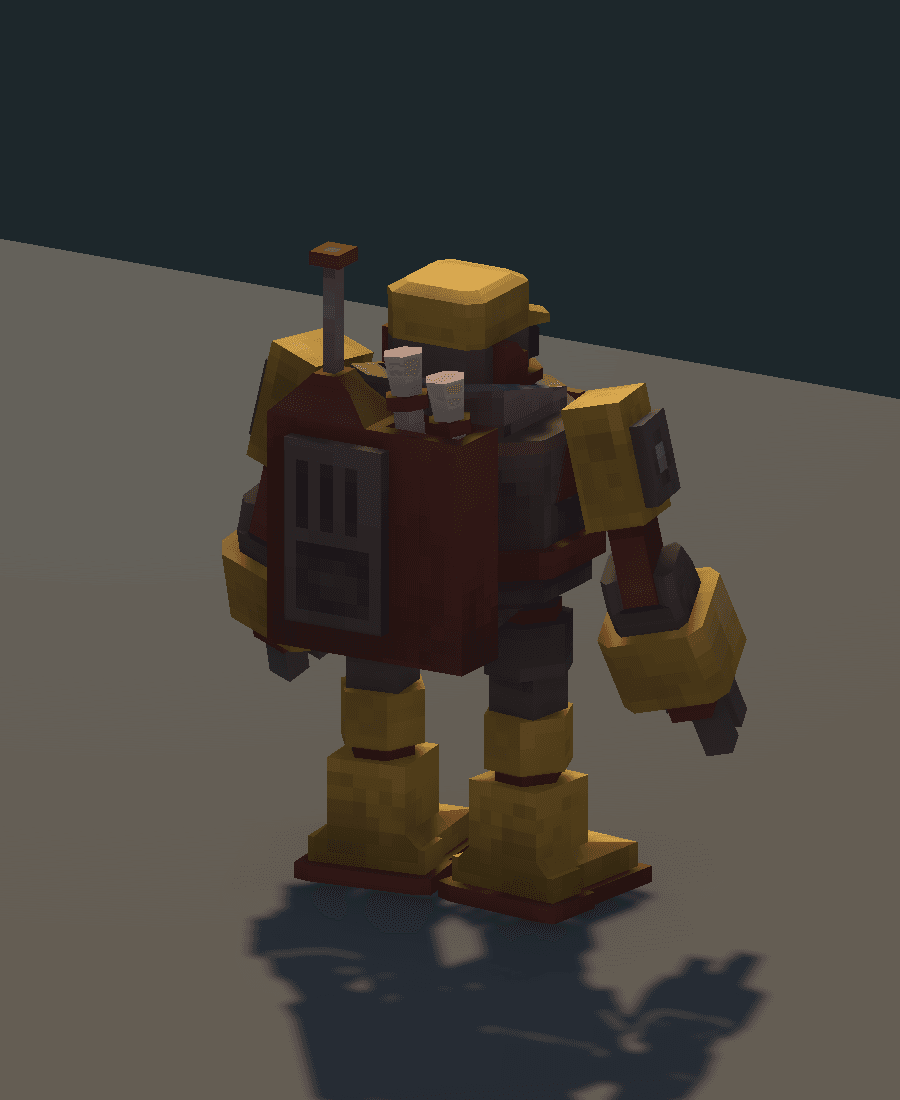
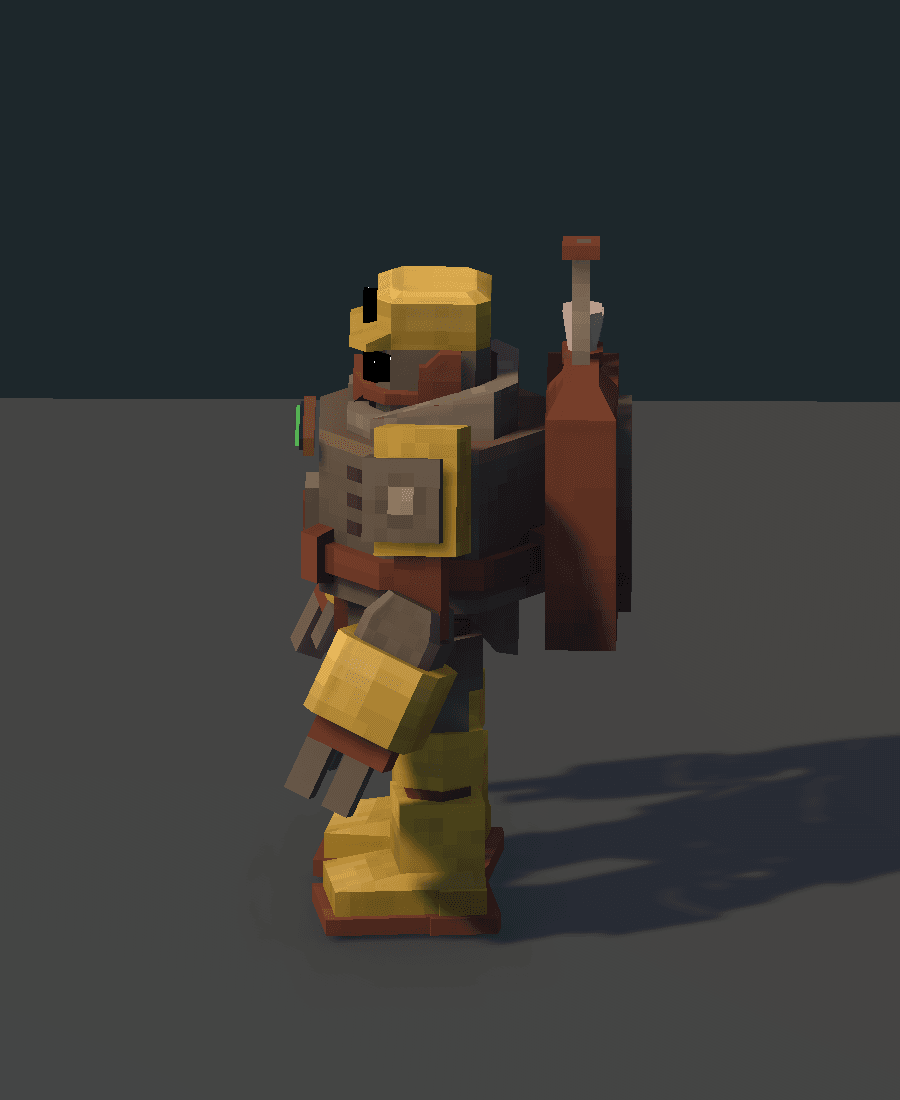
| P | Character appearance customization |
| Esc | Pause menu |
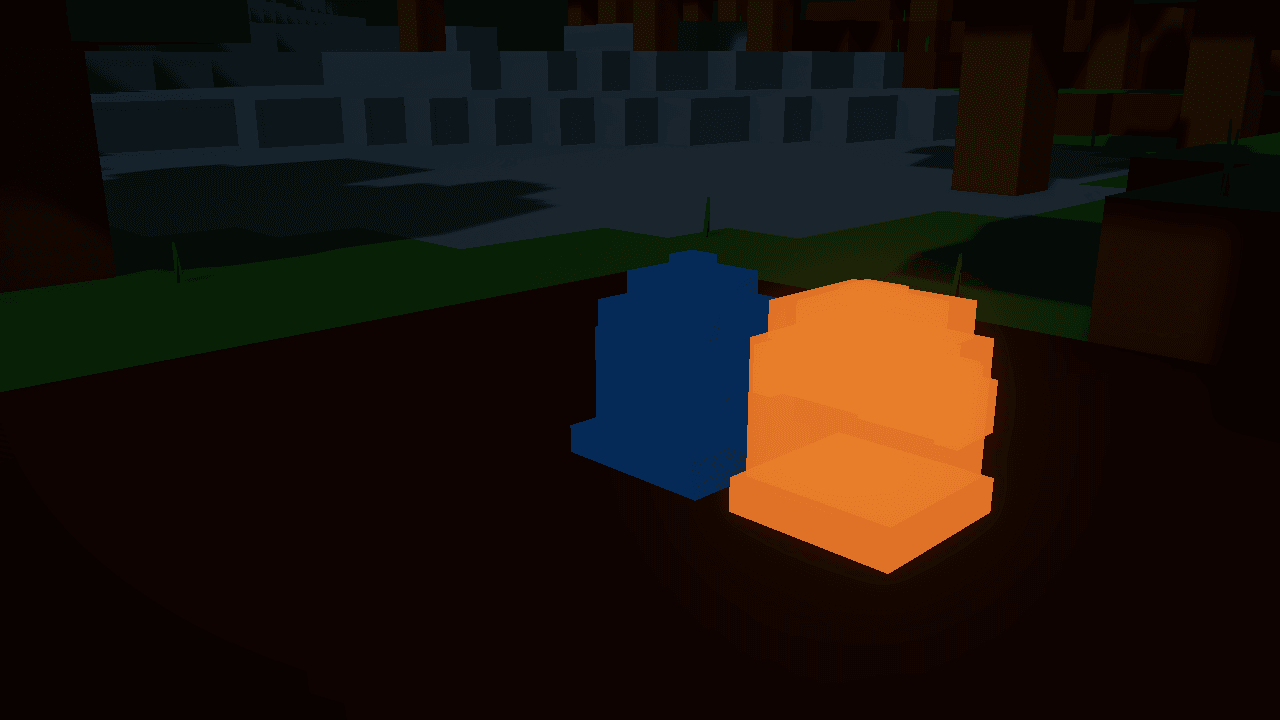
Select a block and right-click the ground to build. When aiming at an interactive object, hold the Build on interactable modifier to prioritize placement; its default is Right Shift, with Left Shift also accepted while the command has no custom binding. Check the preview and cost before clicking.
Gather and store in the right place
Hold the left mouse button on a deposit to gather. Resources enter your backpack. To move them into central storage, open Steam Core → Inventory → STORE. Distinguish materials in your backpack from the Core’s stock and an automatic line’s local inputs.
With an empty hand, right-click to inspect a block. Workbenches and machines with panels open their own interfaces. When finished, check which item is selected before continuing to build or gather.
Use the Scanner for diagnosis
- Equip the Scanner on the hotbar.
- Aim at the desired block and hold the right mouse button.
- Keep the same target for 1.15 seconds, until the scan completes.
- Read the displayed state or usage hint. Changing blocks or losing the target restarts the scan.
For an idle machine, combine the reading with ports and fluids: inspect inputs, outputs, energy and storage. The Scanner provides information; it does not supply fuel or repair a connection.
In co-op, the host’s pause controls the shared pause. Opening a menu as a guest should not be treated as a guarantee that the world has stopped.
Source notes
Assets/SteamPunkColony/Scripts/Gameplay/SteamInputBindings.cs:42— bindings and building modifier.Assets/SteamPunkColony/Scripts/Gameplay/PlayerController.cs:187— scan duration;:3058— equipment and scanning.Assets/SteamPunkColony/Scripts/UI/GameLocalization.cs:1026— gathering, backpack and STORE.Assets/SteamPunkColony/Scripts/Gameplay/BlockHelpCatalog.cs:330— empty-hand inspection.Assets/SteamPunkColony/Scripts/Multiplayer/CoopMultiplayerSession.Pause.cs:16— shared pause.
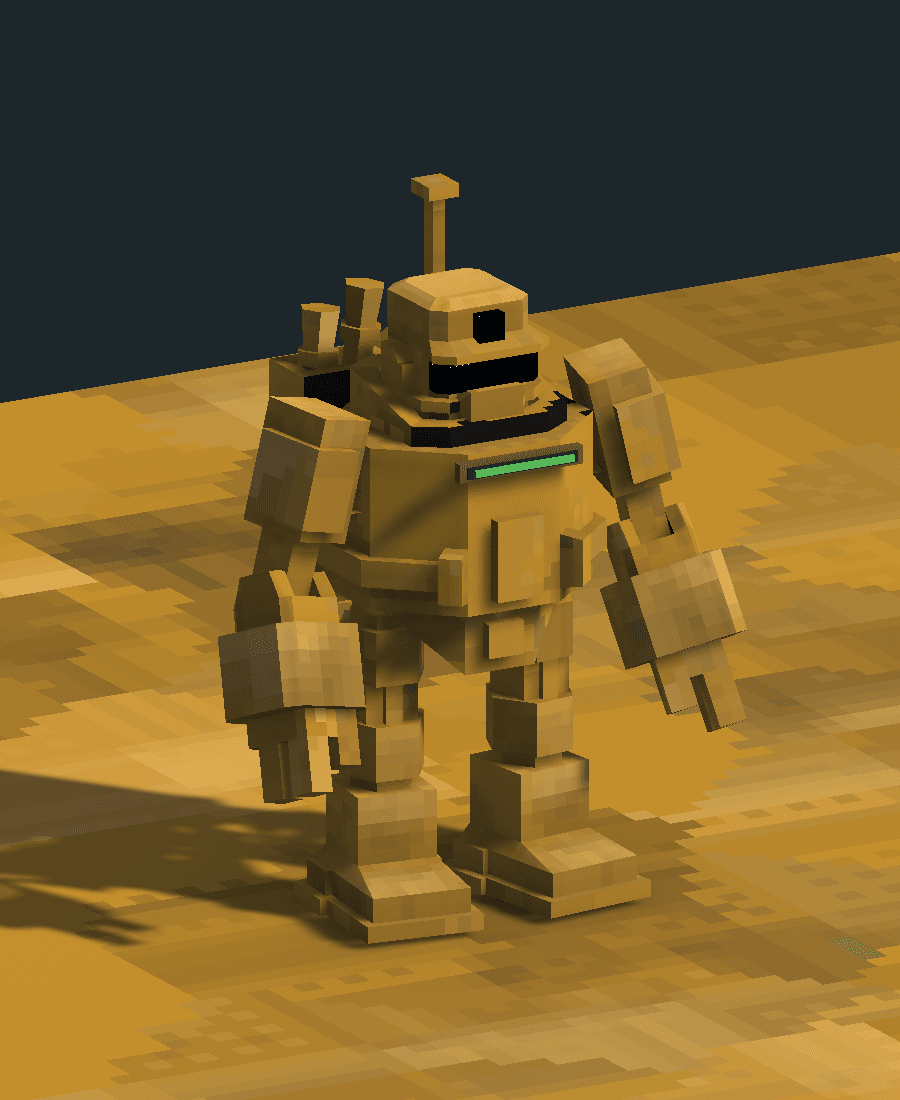
Meet the operator
View other angles