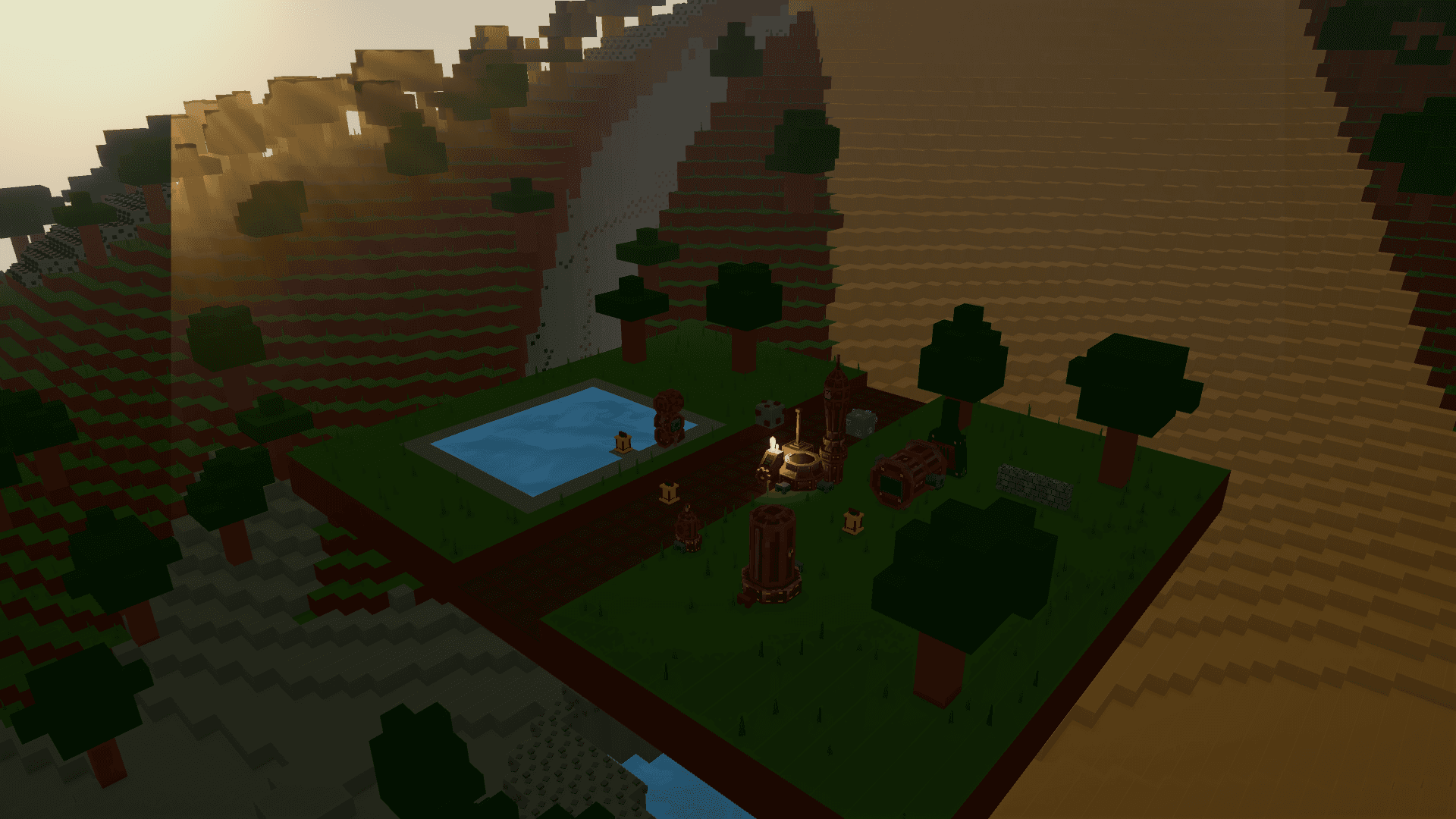
Steam co-op brings up to eight players into the same colony. The host maintains the world state; guests receive it and send their actions to the session. Organize production and defense as a team sharing infrastructure.
Prepare the session
- Everyone should launch a compatible game version through Steam and be connected to the service.
- The host opens the colony to be used and creates a friends-only cooperative session.
- Guests enter through an invitation or Steam’s join option. Wait for world synchronization before starting work.
- Check the co-op indicator to identify the host and connected players. Agree where resources will be gathered and which networks will be changed.
The host controls the session save. If the host leaves, the cooperative session ends; do not plan to continue that world without them. Before a planned departure, the host should save through the game’s interface.
Divide complementary responsibilities
One useful arrangement separates gathering and terrain work, steam and production, and colony protection. This is a teamwork suggestion; each player can change roles as needed.
- Gatherers should check their backpacks and store resources at the Steam Core when they belong in central reserves.
- Builders should warn the team before cutting a Pipe or Power Conduit: other players may depend on that network.
- Players using the Task Controller should name areas and routes clearly so everyone can see which robots are already assigned.
- Defenders should monitor paths, energy and worker recall without closing the Core’s required route.
Pause, technologies and shared commands
The host’s pause is transmitted to guests. When a guest opens their own menu, the team should continue treating the colony as active until the interface indicates a host pause.
Technology unlocks synchronize across the session. Avoid planning two simultaneous expenses against the same reserve, and wait for an action’s result to appear before repeating it. Administrative actions can be host-only; the interface reports that restriction.
If joining does not complete
Check Steam connectivity, whether the host is still in the lobby and whether game versions are compatible. While Waiting for host data is displayed, allow synchronization to finish. If the session ends, the host can reopen the save and start another session for the team to join.
Source notes
Assets/SteamPunkColony/Scripts/Multiplayer/CoopMultiplayerSession.cs:9— co-op model;:20— eight-player limit.Assets/SteamPunkColony/Scripts/Platform/SteamLobbyNetworkServices.cs:11— host authority;:252— friends-only lobby.Assets/SteamPunkColony/Scripts/UI/GameLocalization.cs:1074— session states, save control and host departure.Assets/SteamPunkColony/Scripts/Multiplayer/CoopMultiplayerSession.Pause.cs:16— pause replication.Assets/SteamPunkColony/Scripts/Multiplayer/CoopMultiplayerSession.Technology.cs:1— technology synchronization.