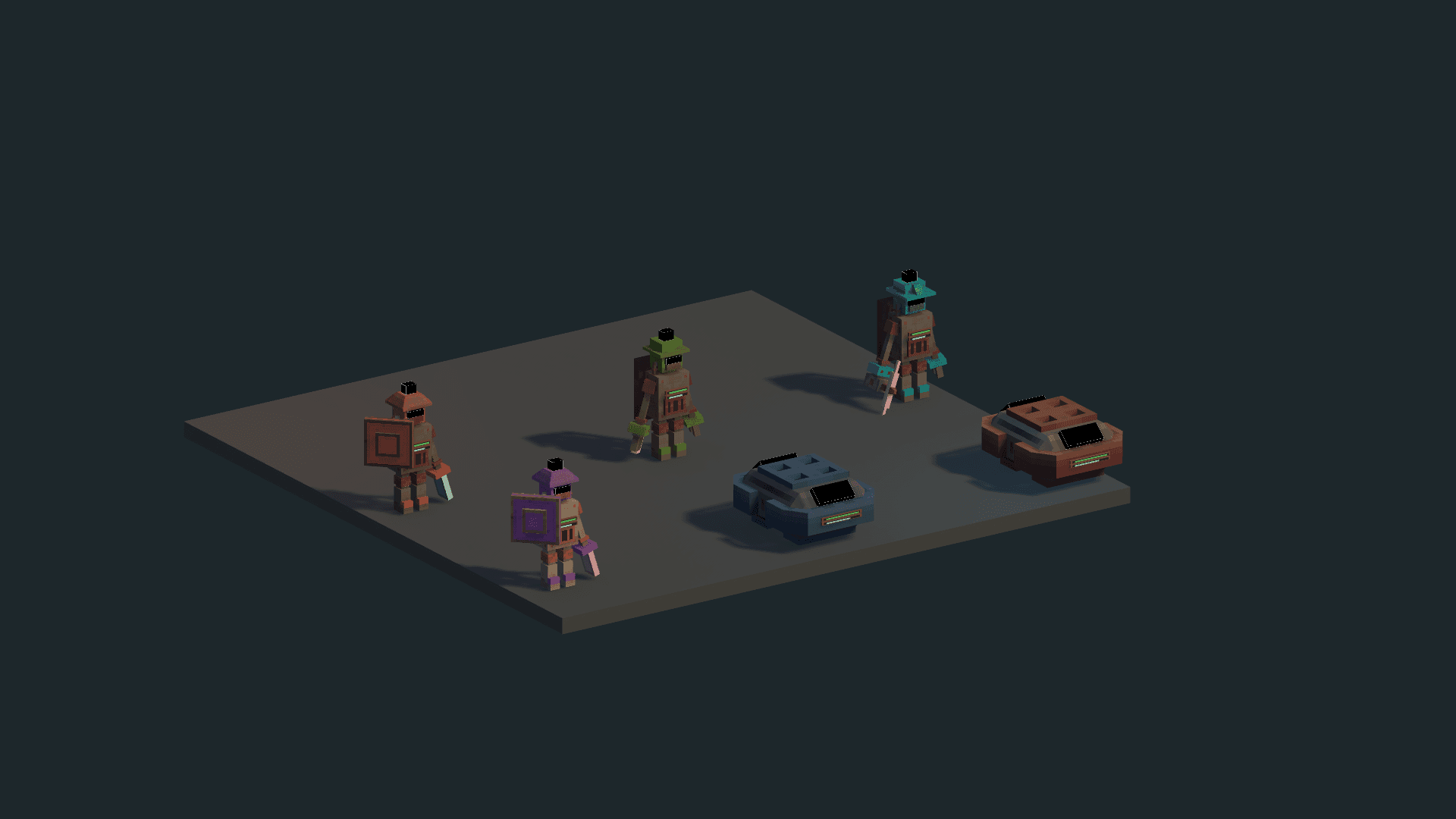
Robots need a task, access and energy. If one is missing, adding more units often just lengthens the waiting line. Follow one worker before expanding the team.
Turn a resource into an assignment
- After installing the Steam Core, use the Task Controller available on the hotbar. T opens the task menu by default.
- Define a compatible area: deposits for Mining Robots and trees for Lumber Robots. Name it after its role or resource so it is easy to recognize later.
- Assign available workers. Check both the journey to the area and the return route to storage.
- Watch a full gathering and delivery cycle. A worker reaching the resource but never delivering still has a logistics or access problem.
- As you expand, bring a connected Steam Point closer to the route. Preserve refueling compatibility when installing high-pressure upgrades.
A delivery route differs from a gathering area: it needs a source, destination, resource filter and assigned Delivery Robots or Delivery Drones. Read production and logistics to prepare its endpoints.
What PANIC! does
Activating PANIC! suspends service robots’ assignments and orders them to seek a safe position beside the Core. This includes Mining Robots, Lumber Robots, Delivery Robots and Delivery Drones. Defense Robots and Ether Robots are outside this group.
Panic mode does not switch on disabled units, supply energy or create paths. The pending indicator includes workers still returning, out of power or unable to reach a safe position. If the count does not fall, find those robots and fix the cause.
Resume work safely
Disable panic once access is safe. Suspended assignments can resume; areas or routes deleted during the emergency need review.
You can also enable End panic at 06:00. This option is disabled by default and saved with the colony. It releases the directive when dawn is crossed, without teleporting robots or changing defenders’ roles. The time is a scheduling trigger; check for remaining threats before relying on it for exposed work areas.
Source notes
Assets/SteamPunkColony/Scripts/Gameplay/TaskAreas.cs:236— panic command;:605— deposit areas;:646— routes.Assets/SteamPunkColony/Scripts/Gameplay/RobotSafetyRuntime.cs:81— supported robot types.Assets/SteamPunkColony/Scripts/Gameplay/Agents.cs:996— suspended tasks and power/access states.Assets/SteamPunkColony/Scripts/Gameplay/TaskAreas.PanicSchedule.cs:7— default, persistence and dawn release.Assets/SteamPunkColony/Scripts/UI/GameLocalization.cs:1127— player-facing time.